macOS Ventura requires you to give permission to USB-C accessories before transmitting data
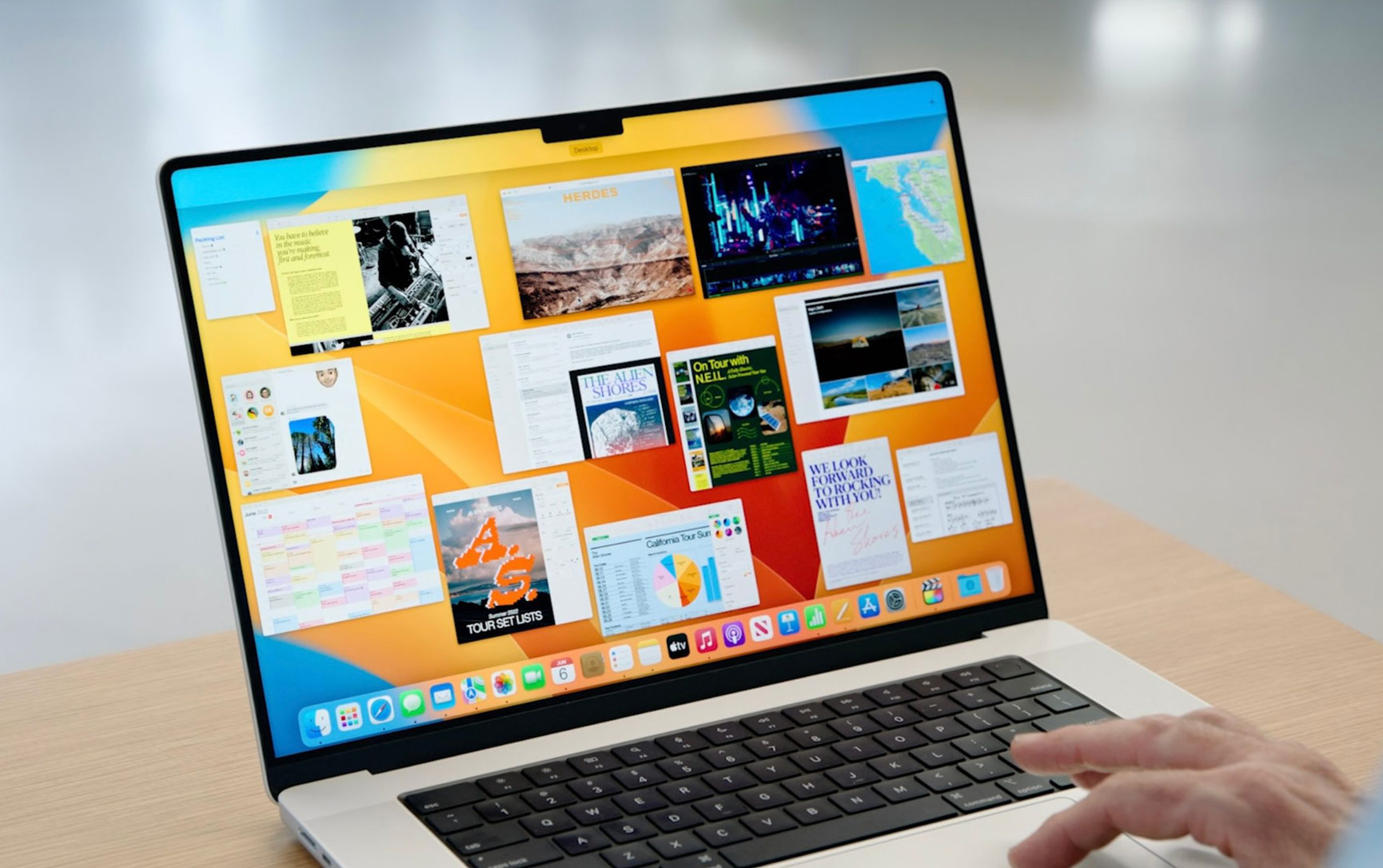
At WWDC today, Apple officially took the wraps off of macOS 13 Ventura. The update includes new Continuity features, Stage Manager for multitasking features, and more. According to the release notes published by Apple following the WWDC keynote, there’s also a notable new Accessory Security feature for external USB and Thunderbolt accessories…
According to Apple, MacBooks with an Apple Silicon processor will now prompt users for approval before an external USB or Thunderbolt accessory can communicate with macOS. What this means is that when you connect a USB or Thunderbolt accessory to your MacBook, you’ll have to give that accessory explicit permission to interface with macOS.
Apple explains that this does not apply to “power adapters, standalone displays, or connections to an approved hub.” Instead, it applies to non-certified hubs and accessories that request data access. As noted by The Verge, Apple once had to issue a macOS update after some MacBook Air and MacBook Pro users had their machines damaged by using a non-compliant USB-C hub.
Here’s how Apple explains this new feature in the release notes for the first beta of macOS Ventura:
On portable Mac computers with Apple silicon, new USB and Thunderbolt accessories require user approval before the accessory can communicate with macOS for connections wired directly to the USB-C port. This doesn’t apply to power adapters, standalone displays, or connections to an approved hub. Devices can still charge if you choose Don’t Allow.
You can change the security configuration in System Settings > Security and Privacy > Security. The initial configuration is Ask for new accessories. Configuring an accessibility Switch Control sets the policy to always allow accessory use. Approved devices can connect to a locked Mac for up to three days.
Accessories attached during software update from prior versions of macOS are allowed automatically. New accessories attached prior to rebooting the Mac might enumerate and function, but won’t be remembered until connected to an unlocked Mac and explicitly approved.
The first beta of macOS Ventura is available to developers now and will be released to the general public later this year.


-
 -35%
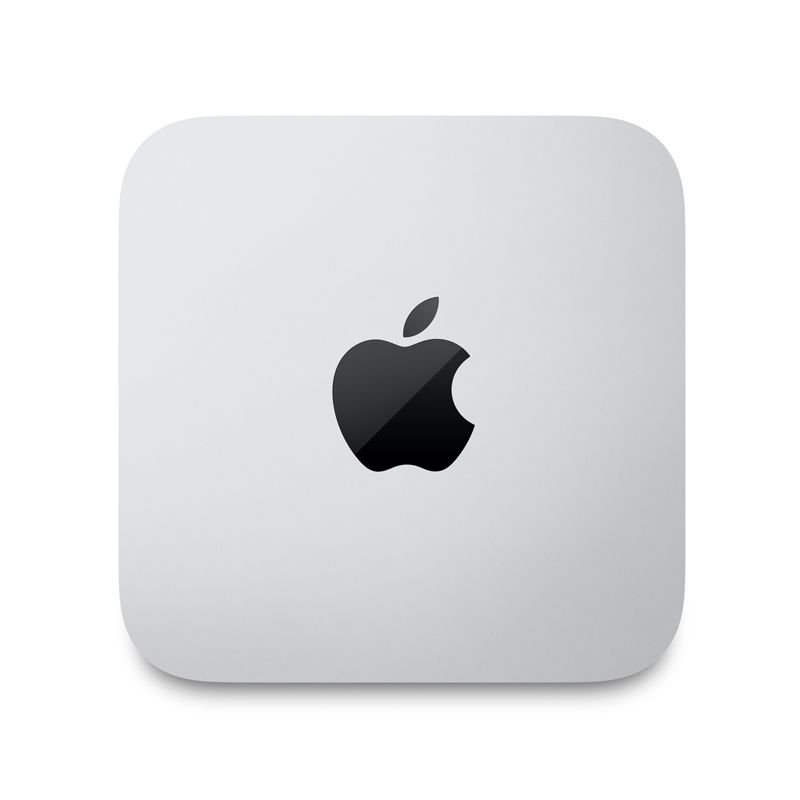
Apple - Mac Studio M1 MAX 10-Core CPU 32GB Memory SSD 512GB 24-Core GPU 16-Core Neural Engine - SilverSpecial Price $1,408.99 Regular Price $2,168.44
-35%
Apple - Mac Studio M1 MAX 10-Core CPU 32GB Memory SSD 512GB 24-Core GPU 16-Core Neural Engine - SilverSpecial Price $1,408.99 Regular Price $2,168.44 -
-11%
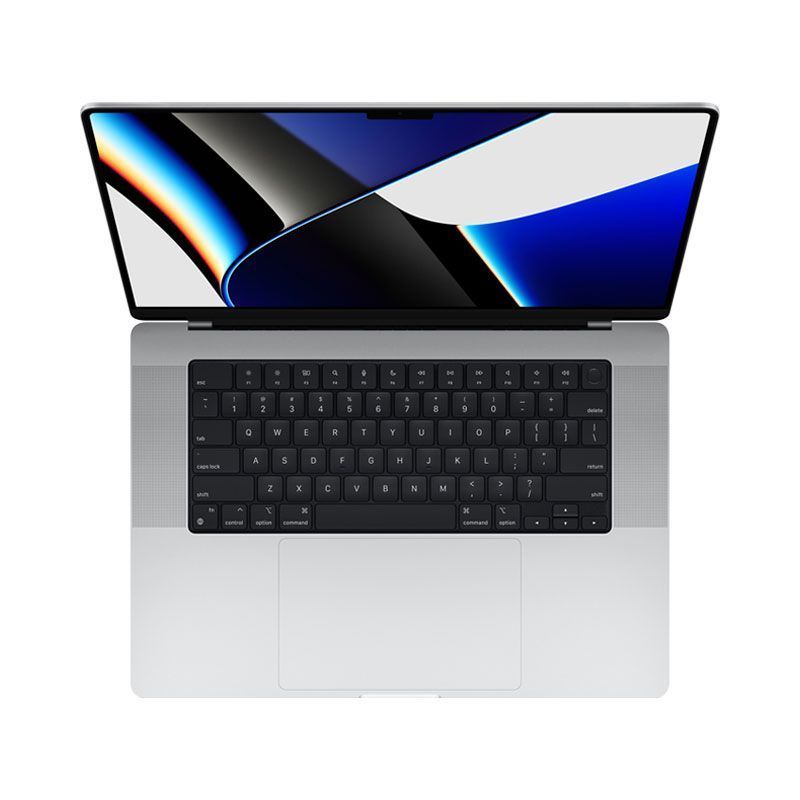
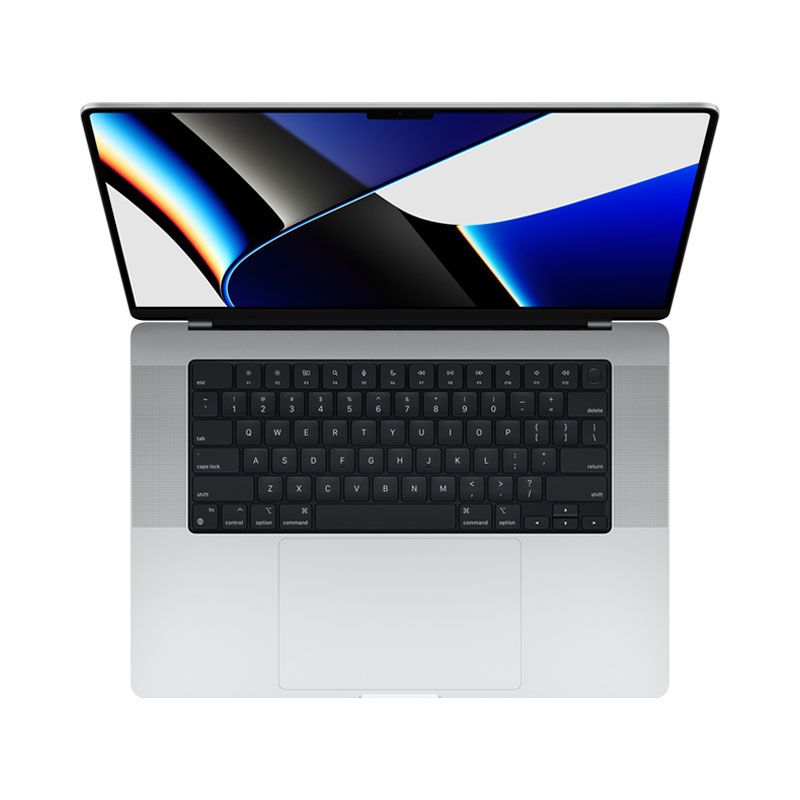
Apple - MacBook Pro 16-Inches M1 Max 10-Core CPU 32-Core GPU 64GB Unified Memory 1TB SSD Storage Silver - Customized VersionSpecial Price $4,182.37 Regular Price $4,717.32
-
-5%
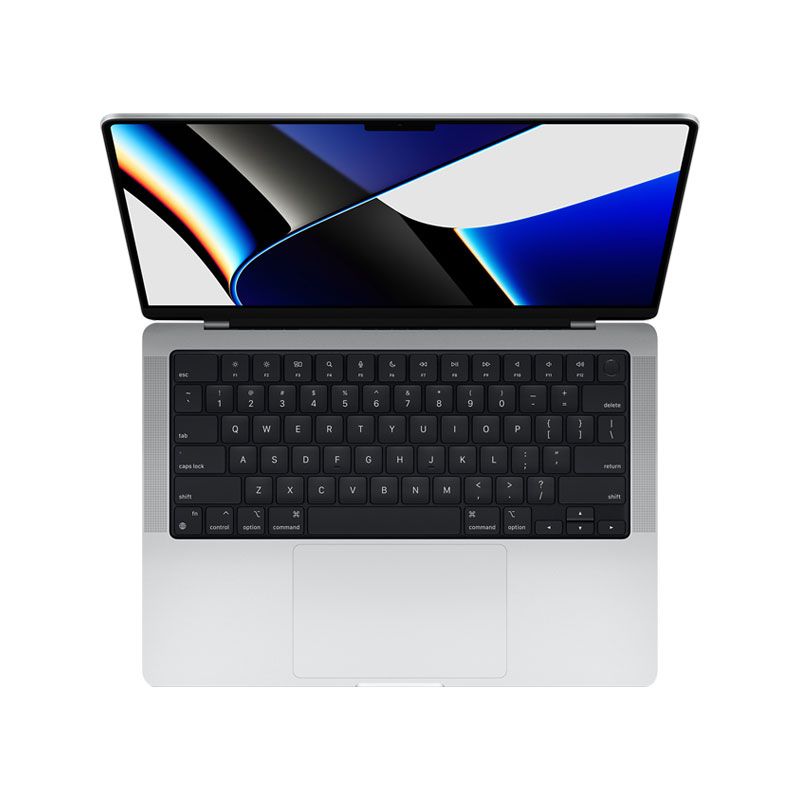
NEW Apple MacBook Pro 14-Inches CN Version M1 Pro 10-Core CPU 16-Core GPU 16GB Unified Memory- 1TB SSD Storage - Silver 2021Special Price $2,529.26 Regular Price $2,654.35
-
-5%
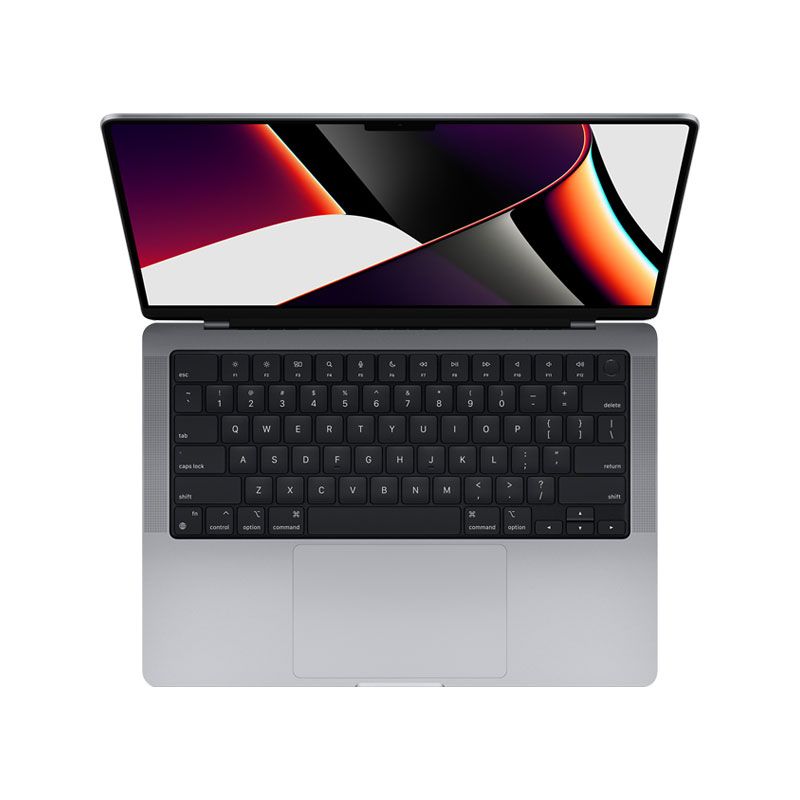
NEW Apple MacBook Pro 14-Inches CN Version M1 Pro 10-Core CPU 16-Core GPU 16GB Unified Memory- 1TB SSD Storage - Space Gray 2021Special Price $2,529.26 Regular Price $2,654.35
-
-36%
Apple - MacBook Pro 16-Inches M1 Pro 10-Core CPU 16-Core GPU 16GB Unified Memory 512GB SSD Storage - SilverSpecial Price $1,899.00 Regular Price $2,963.00
-
-13%
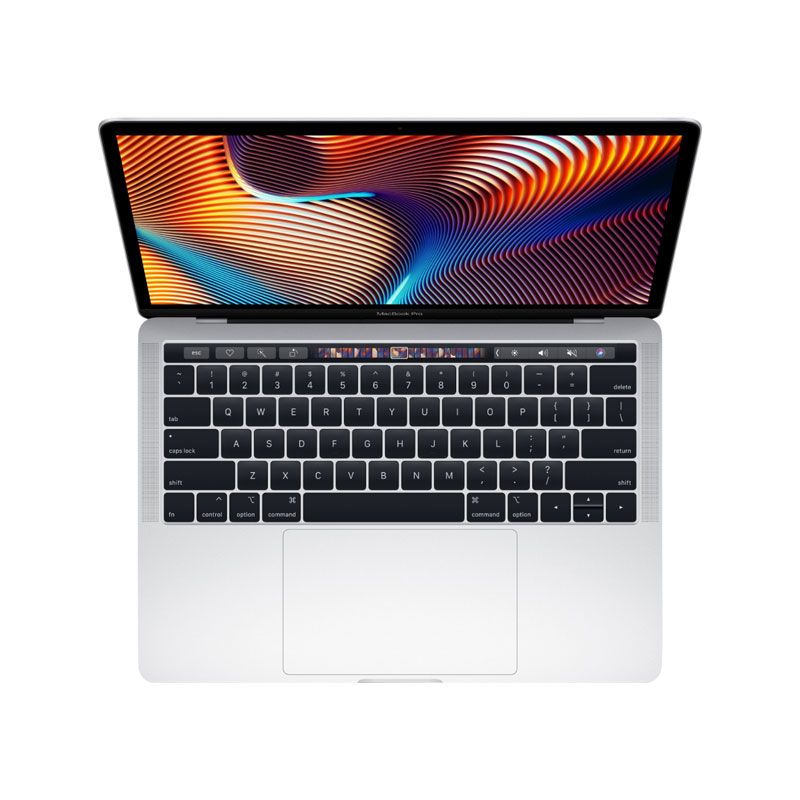
Apple - MacBook Pro 13-Inch M1 Chip RAM 8G SSD1TB with Touch Bar - Customized Version 2021As low as $1,647.38 Regular Price $1,900.85
-
-13%
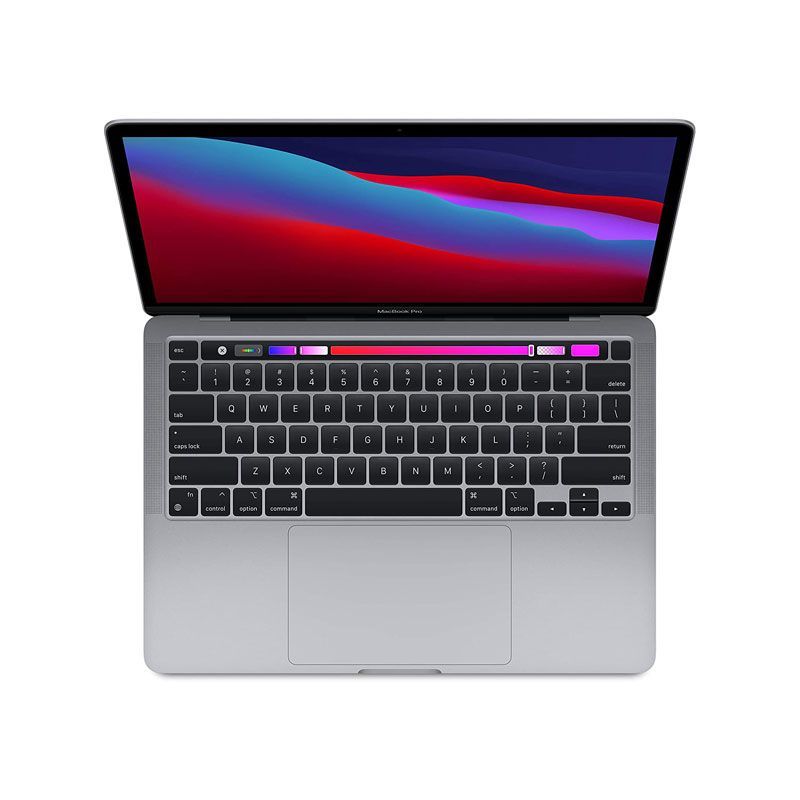
Apple - MacBook Pro 13-Inch M1 Chip RAM 16G SSD1TB with Touch Bar - Customized Version 2021As low as $1,837.49 Regular Price $2,122.64
-
-18%
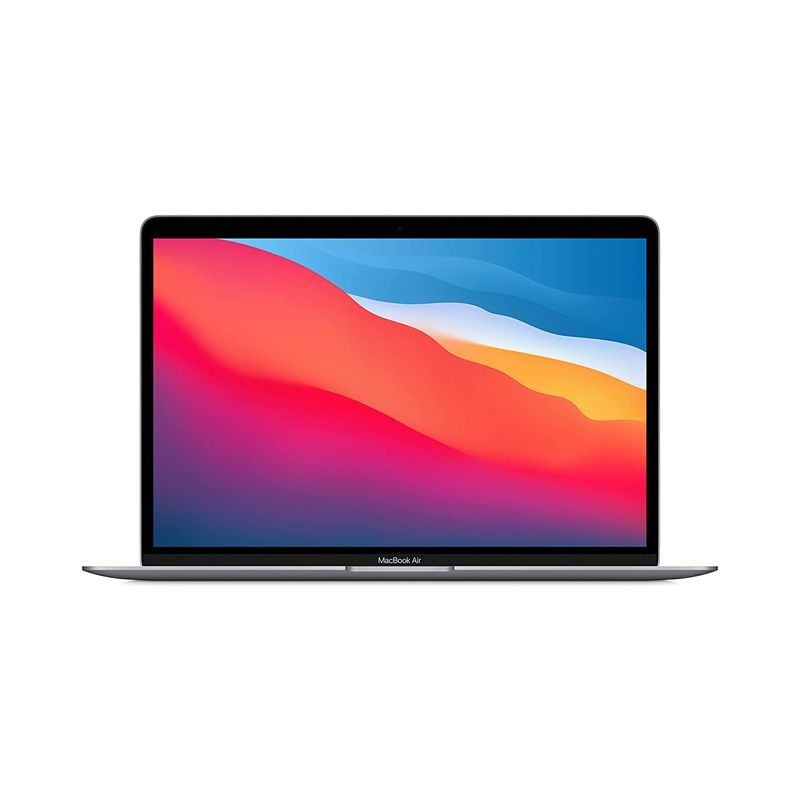
NEW Apple MacBook Air 13-Inch M1 Chip 8-Core RAM 8GB 512GB Retina Display with True Tone, Touch ID - CN Version Official RefurbishedAs low as $1,255.54 Regular Price $1,538.20
-
-29%
Like New Apple - MacBook Air 13-Inch M1 Chip 8-Core RAM 8GB 256GB Retina Display with True Tone, Touch ID - CN Version N63 N93 ND3As low as $952.79 Regular Price $1,339.77